Build an interactive classroom
A live class or workshop: the teacher presents, learners raise a hand before they speak, and the class runs polls, draws on a shared whiteboard and splits into breakout groups. The same room works for a tutoring session of two or a lecture of hundreds.
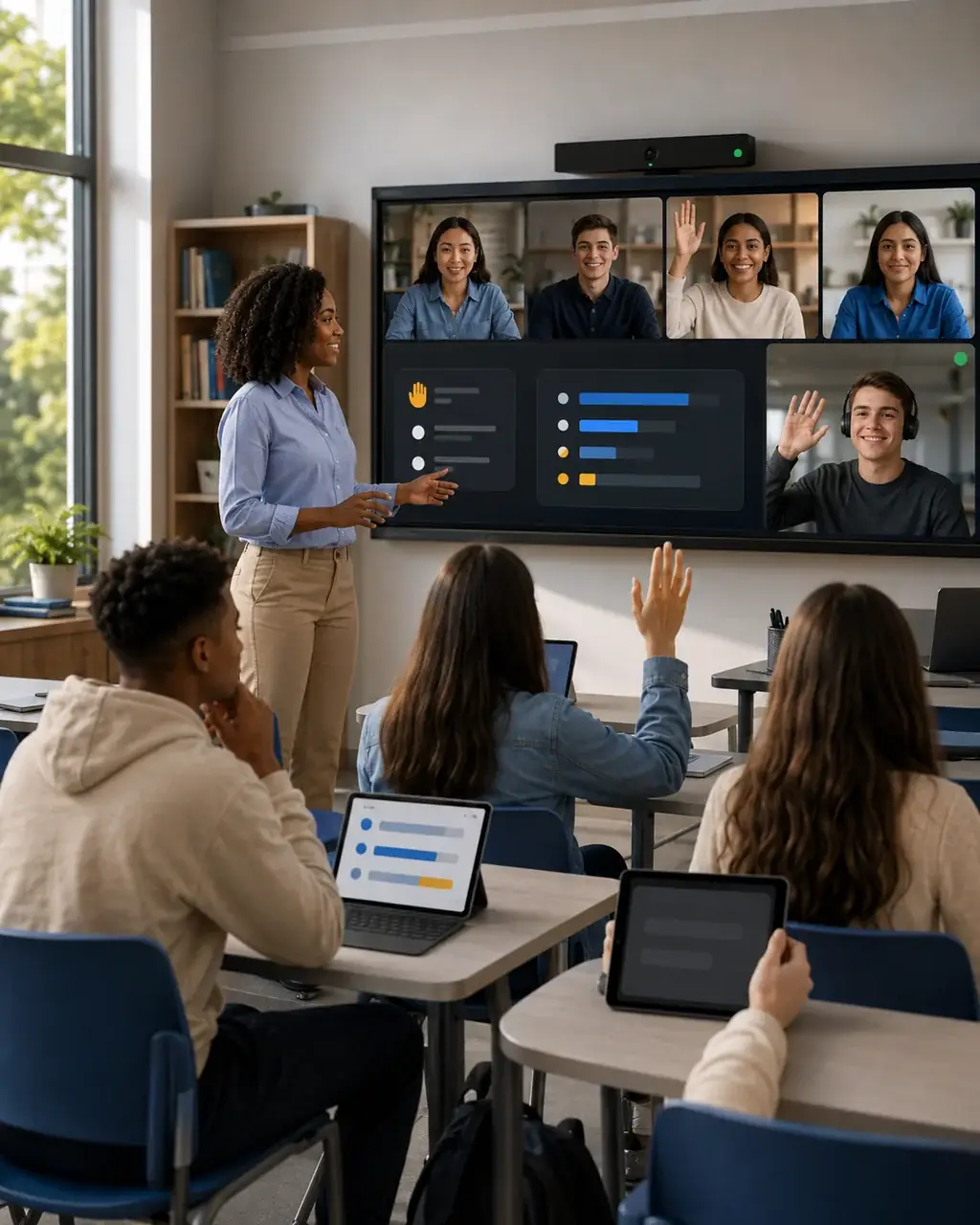
- Polls
- run and closed by the teacher, results shown live
- Breakout rooms
- that bring everyone back to the main room
- 3 UI levels
- shown in one open-source classroom
How it fits together
- Your serverOpens the classCreates the room with learners on approval.
- TeacherPresentsShares a screen or the whiteboard as the main view.
- LearnersAsk, vote, drawRaise a request, answer polls, join breakout groups.
- MediaSFURuns the roomMedia, polls, whiteboard, breakouts and recording.
What MediaSFU handles
| You need | MediaSFU gives you | Read |
|---|---|---|
| Learners who ask before speaking | Mic and camera on approval, with a request list for the teacher | Rooms API |
| Quick checks for understanding | Polls the teacher creates, runs and closes | Large rooms and moderation |
| Drawing together | A shared whiteboard the teacher opens to the class | Large rooms and moderation |
| Group work | Breakout rooms, with everyone returned to the main room afterwards | Breakout rooms |
| Learners in other languages | Live translation of the teacher's speech | Translation configs |
| A recording for absent learners | Cloud recording of the class | Recordings API |
Set it up
-
Create the class from your server. Learners request the mic and camera; chat stays open:
curl -X POST https://mediasfu.com/v1/rooms \
  -H "Content-Type: application/json" \
  -H "Authorization: Bearer $MEDIASFU_API_USERNAME:$MEDIASFU_API_KEY" \
  -d '{"action":"create","userName":"teacher","duration":90,"capacity":50,"eventType":"conference","meetingRoomParams":{"audioSetting":"approval","videoSetting":"approval","chatSetting":"allow","addCoHost":true}}'
Add a co-host for a teaching assistant who can manage requests too.
-
To record the class, add
"recordingParams":{"recordingAudioSupport":true,"recordingVideoSupport":true}to the same request. The teacher starts recording from the room. -
Let the teacher and learners join from your app (below). Your server decides who is the teacher; the API key stays there (Secure backend).
Build it in your SDK
- ReactJSComplete tutorial
- AngularComplete tutorial
- VueComplete tutorial
- React NativeComplete tutorial
- ExpoComplete tutorial
- FlutterComplete tutorial
- AndroidComplete tutorial
- Kotlin MultiplatformStart from the SDK starter
- Swift / AppleStart from the SDK starter
- UnityComplete tutorial
- Shared coreComplete tutorial
Check it works
- Join as the teacher and as two learners on separate devices.
- A learner turns on their mic: the teacher sees a request and approves it.
- Run a poll, close it, and confirm every learner sees the result.
- Open breakout rooms with one learner in each, then bring everyone back.
- End the class as the teacher: learners see it finish.
Go further
- Interactive classroom pattern: how the open-source classroom is put together.
- Choose a UI level: keep the supplied room or build your own classroom layout.
- Record your custom interface: record the layout learners actually saw.