Build live rooms, calls and AI agents into your product.
Start with one HTTP request or the prebuilt room. Then restyle it, replace it with your own screens, or run the engine headless. Your room keeps working at every step.
- 11 SDKs
- HTTP API
- WHIP · WHEP · HLS
- Cloud or self-hosted
$ curl -X POST https://mediasfu.com/v1/rooms/ \ -H "Content-Type: application/json" \ -H "Authorization: Bearer $API_USERNAME:$API_KEY" \ -d '{"action": "create", "userName": "host", "duration": 30, "capacity": 5, "eventType": "conference"}'200 OK{ "roomName": "m-9f3a2b7c", "secureCode": "A1B2C3", "publicURL": "https://…" }Open publicURL in two tabs and you have a live room with camera, microphone, chat and screen sharing.
Choose how much UI you own
Begin with the most complete option that fits. Each step gives you more control, and none of them replaces the room underneath.
- 01Prebuilt roomDrop the complete room into your app. Live in minutes.Quickstart →
- 02Restyle itSwap cards, controls, menus and modals. MediaSFU keeps the room logic.UI overrides →
- 03Your own screensBuild consoles, host dashboards and branded call shells on live room state.Custom workspace →
- 04HeadlessYour app owns every pixel. MediaSFU runs media, signalling and recovery.Headless guide →
Not sure which level you need? Compare the UI levels for your SDK.
Start from a working app
Try each one live on mediasfu.com, then clone the source and make it yours.

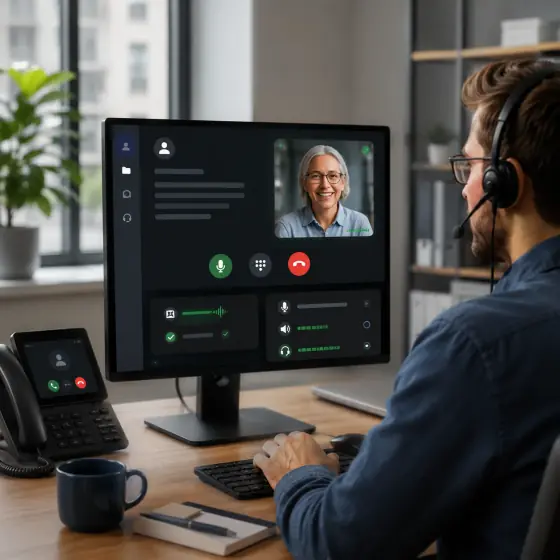


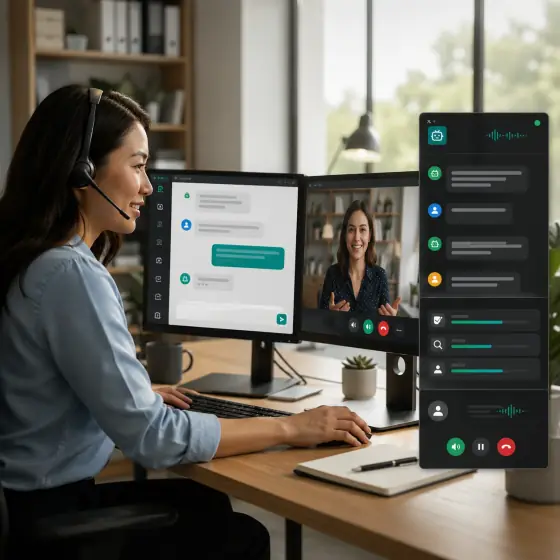
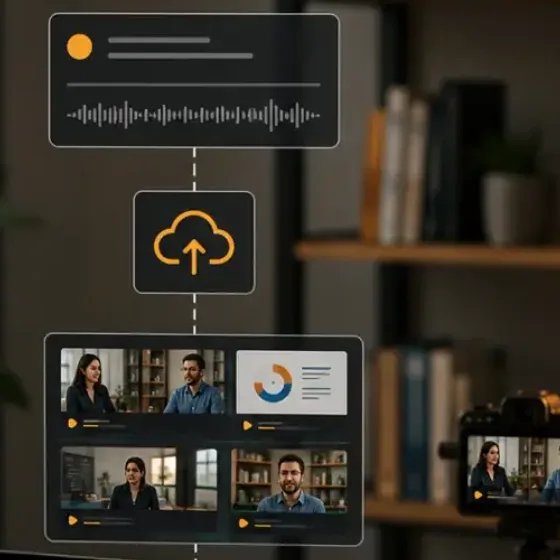
Choose your SDK
Each SDK has its own install steps, guides and runnable tutorials. Pick the one that matches the app you already have.
Use Android for an Android-only Compose app, Kotlin Multiplatform for shared Kotlin code, and Swift for a native Apple app. Compare all SDKs.
What are you building?
Start from the product, then follow the guide for your SDK.