Free interactive showcase · Visual assistance

Show the problem.
Keep the evidence.

A camera, a short checklist and an AI guide. Try the customer inspection, then switch to the inspector’s side to review what came back.

About 5 minutesNo account neededPhone or desktop
Try the customer inspection

Opens in a new tab. Camera and microphone start only after consent. Use a mug, plain box or another non-sensitive object.

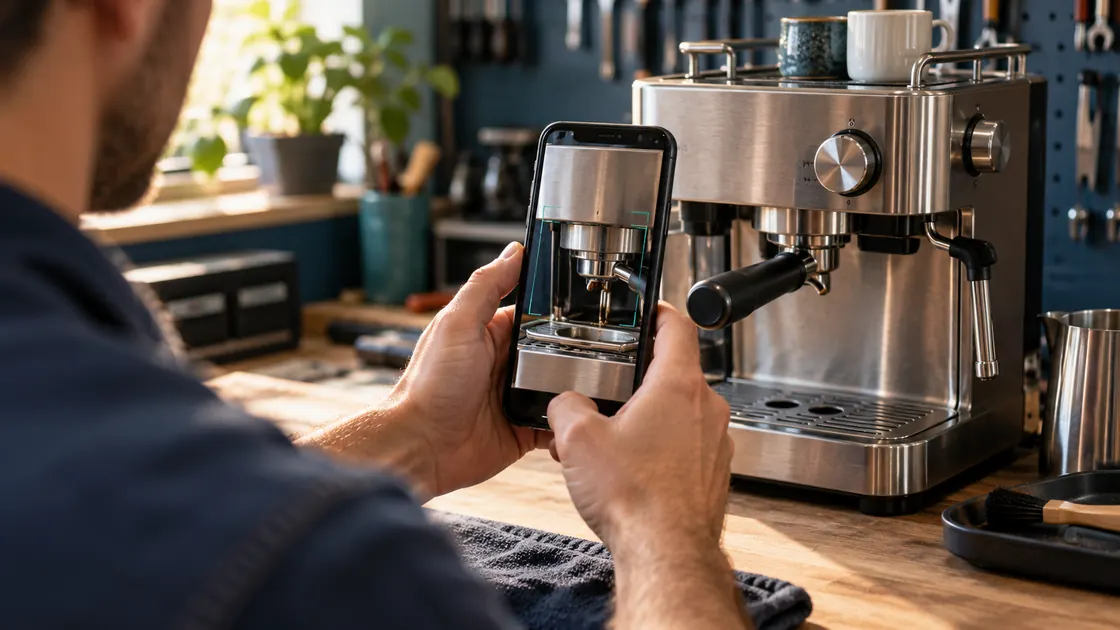
A phone camera inspecting a household appliance on a workbench
Illustrative scene · The demo uses your own camera.
  1. 01 · Follow the guide

    Show an overview, save a photo and ask AI to check the view. Step changes are clearly marked.

  2. 02 · Finish and export

    Finish releases the camera and mic. Download the ZIP before closing; optional recording is included.

  3. 03 · Review the package

    Open the inspector console, import the ZIP and check photos, findings, recording and file integrity.

One workflow, two sides

Try both roles in your browser.

Keep this page open while you run the inspection. You can review the exported package in a second tab.

Customer

Show what you see.

Follow a general visual checklist with the AI guide. Recording and location are optional. Saving a photo alone does not confirm a step.

  • Consent before camera and mic
  • Clear current step and capture status
  • Photos, findings, PDF and evidence ZIP
Open customer view
Inspector

Check what came back.

Generate links for different scenarios, or import the ZIP you just downloaded. Review the evidence and see which required items remain incomplete.

  • Choose a template and create a link or QR
  • Review stills, findings and optional recording
  • Verify the manifest, file hashes and audit chain
Open inspector console
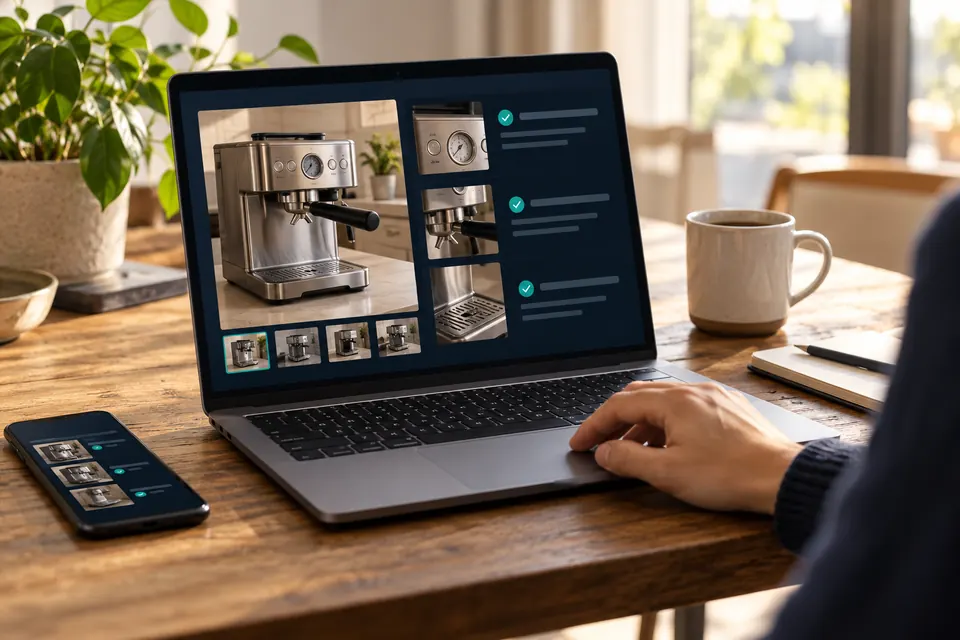
Illustrative inspection review workspace with a laptop and a photographed household product
Illustrative workspace · Open the console to see the actual interface.

Your files, your choice

Review it. Then decide what to share.

Evidence stays on the device until you export or share it. The AI guide receives live audio and camera views after consent; this demo does not provide a cloud evidence archive.

Integrity checks detect changed or missing files. They do not establish who created a report or whether an AI finding is correct.

Read the setup and evidence guides

Make it your workflow

Start with the working kit.

Customize the checklist, connect your own AI credentials and build on the same inspection components.

Get the GitHub starter