EngageRooms, cloud phone, and embeddable widgets
MediaSFUvsDaily
Video rooms, prebuilt or headless, with phone and agents in the same room.
Price your video minutes side by side, then open a finished room in this browser. Prebuilt UI or headless, with phone, agents and recording on the same room.
- From $0.375 per 1,000 video minutes
- Prebuilt UI or headless
- Recording, translation and phone built in
Interactive workload model
Model the workload. See the bill and what you can ship.
Start with a real scenario, then use exact minute inputs. Every result names the billing layer being compared so platform, carrier, and AI-provider costs do not get quietly mixed.
What you can buildThose participant minutes can arrive with the product surface already attached:
- HD rooms
- Live translation
- Recording + notes
- Embeddable widgets
- 10 SDK paths
Comparison scopeVideo participant-minutes
Applies Daily's 10K monthly free allowance and graduated rates to the modeled volume.
Estimated infrastructure delta$488.75 lower per month$5,865 per year; 9.7x cost ratio
Recording, streaming, telephony, transcription, AI, support packages, and administrative add-ons are outside this media-only estimate.
Make the decision with evidence: test the workflow, inspect the controls, and replace the sample volume with your own procurement assumptions.
Estimates use MediaSFU list rates and the linked Daily published pricing available in July 2026. Review Daily pricing. Free allowances, negotiated discounts, taxes, carrier routes, AI model choices, storage, and optional services can change the final bill. This is a transparent planning model, not a vendor quote.
Assess it in ten minutes
Open a working room in this browser.
Each one is a finished product on the MediaSFU SDKs, with no signup. Open it on a second device to be both sides, then check the things that decide a Daily evaluation.
- Two-person call
- Send the secure invite to a second device
- Camera, mic and screen share
- Remote-first layout, draggable self-view
- Broadcast control room
- Line up cameras in preview
- Cut one to air with real media
- See where HLS and recording begin
- Stage plus audience
- Talk live on the WebRTC stage
- Watch the same moment as the HLS audience
- Compare the two clocks
- Interactive classroom
- Run a real poll
- Draw on the shared board
- Split the class into breakout groups
- Live auction
- Open the bidder link on your phone
- Bids land in server order
- A late bid extends the countdown
- Watch party
- Bring a video in over WHIP
- Choose WebRTC or HLS delivery
- Open the eight-place live floor
What the decision unlocks
Choose MediaSFU when the job is the whole communication workflow.
Use MediaSFU when one launch needs real-time rooms, phone calls, AI agents, translation, recording artifacts, widgets, and SDK control. Keep Daily in the shortlist when your work is mostly a video API implementation with separate tools around it.
One connected operating modelFrom live interaction to usable output.
Launch the experience, run the workflow, retain the artifacts, and extend it with code when needed.
AutomateAI agents, campaigns, and live translation
CaptureRecordings, transcripts, notes, and summaries
ExtendSDKs, APIs, SIP, domains, and webhooks
Published starting rates
$0.10per 1K audio minutes
$0.375per 1K video minutes
$2+per 1K recording minutes
Unified launch plus developer control
Best when the product must be operated by real teams and extended by engineers.
Video API delivery and developer-led composition
Best when that narrower center of gravity is the main buying reason.
LaunchMeetings, cloud phone, campaigns, widgets, rooms, notes, and recordings are usable without rebuilding the product surface.
ExtendSDKs, API keys, domains, SIP configs, provider keys, and webhooks remain available when engineering needs precision.
AuditCalls and sessions can produce logs, transcripts, AI notes, summaries, recordings, and downloadable artifacts.
Ask before choosing:
- Will non-developers run calls, campaigns, rooms, or notes after setup?
- Do phone, WebRTC, widgets, AI, translation, and recording need to work as one flow?
- Are you comparing total workflow cost instead of one isolated API line item?
MediaSFU advantage
The stronger comparison is the complete workflow.
Against Daily, MediaSFU is most compelling when the buyer needs live media, phone calls, AI workflows, translation, recordings, and usable apps to work together without forcing every team into a developer-only rollout.
Launch from guided apps
Use meeting rooms, Lite Dashboard, cloud phone, AI campaigns, managed numbers, and built-in AI notes/transcripts where the plan includes managed MediaSFU services.
Keep provider and SDK control
Bring SIP providers, AI keys, widgets, domains, API keys, webhooks, and SDK integrations while still relying on MediaSFU for the room, media, telephony, and workflow surface.
01
Translated audio, not just captions
Participants can speak naturally while MediaSFU plays translated room audio. A French speaker can be heard in German, and listeners can keep or override their output language.
02
Phone, AI, and human handoff together
Inbound and outbound calling, managed numbers, AI receptionists, callback flows, and human handoff use one operating model instead of a stitched call stack.
03
A complete meeting product surface
SDK-backed meetings can include screen share, messaging, polls, whiteboard, breakout rooms, widgets, recordings, and room controls without starting from bare media primitives.
04
Recordings become review assets
Recording workflows support pause/resume, playback, transcripts, AI notes, summaries, and downloadable artifacts for review, compliance, or customer follow-up.
05
Ready apps plus developer control
Operators can use meetings, cloud phone, AI campaigns, and Lite Dashboard flows. Developers still get APIs, SDKs, webhooks, SIP configs, widgets, and provider-key control.
06
Plain SIP/PSTN stays plain
When calls do not use AI, MediaSFU positions the workload around audio infrastructure plus your carrier/provider path, not an extra WebRTC/SIP bridge billing layer.
Pricing lensAudio, video, and recording rates in readable units
Use these as MediaSFU-side inputs before comparing vendor-specific bundles, add-ons, or carrier charges.
| Workload | Dollars | Cents | 1K minutes | How to read it |
|---|---|---|---|---|
| Audio transport | $0.0001/min | 0.01¢/min | $0.10 per 1K min | Use for audio rooms and plain SIP/PSTN media transport. |
| Video transport | $0.000375/min | 0.0375¢/min | $0.375 per 1K min | Use for video infrastructure comparisons before add-on services. |
| Recording - audio only | $0.002/min | 0.2¢/min | $2 per 1K min | Audio-only recording derived from the recording purchase factors. |
| Recording - video SD | $0.006/min | 0.6¢/min | $6 per 1K min | Baseline SD video recording minute pricing. |
| Recording - video HD/FHD/QHD | $0.012 - $0.024/min | 1.2¢ - 2.4¢/min | $12 - $24 per 1K min | HD, FHD, and QHD video recording scale by recording quality. |
From comparison to working product
Browse all live experiences See the broader MediaSFU story in context.
A rate or feature row cannot show how the pieces work together. These product-shaped experiences make the room, media, operator, audience, and integration surfaces tangible.
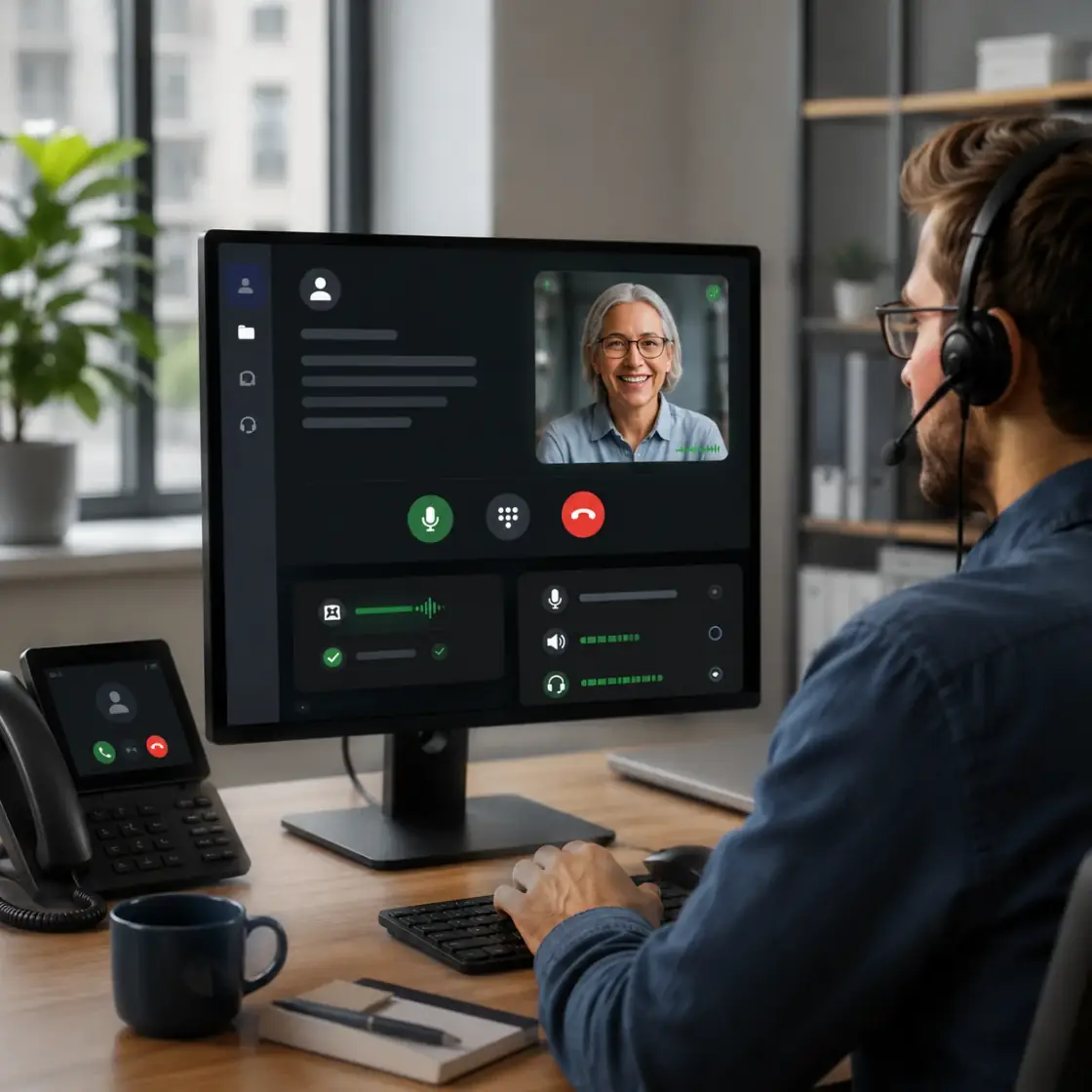 Runnable showcase
Familiar two-person calls
Inspect a polished calling experience with self and remote media, a draggable mini view, and focused call controls.
Open familiar calls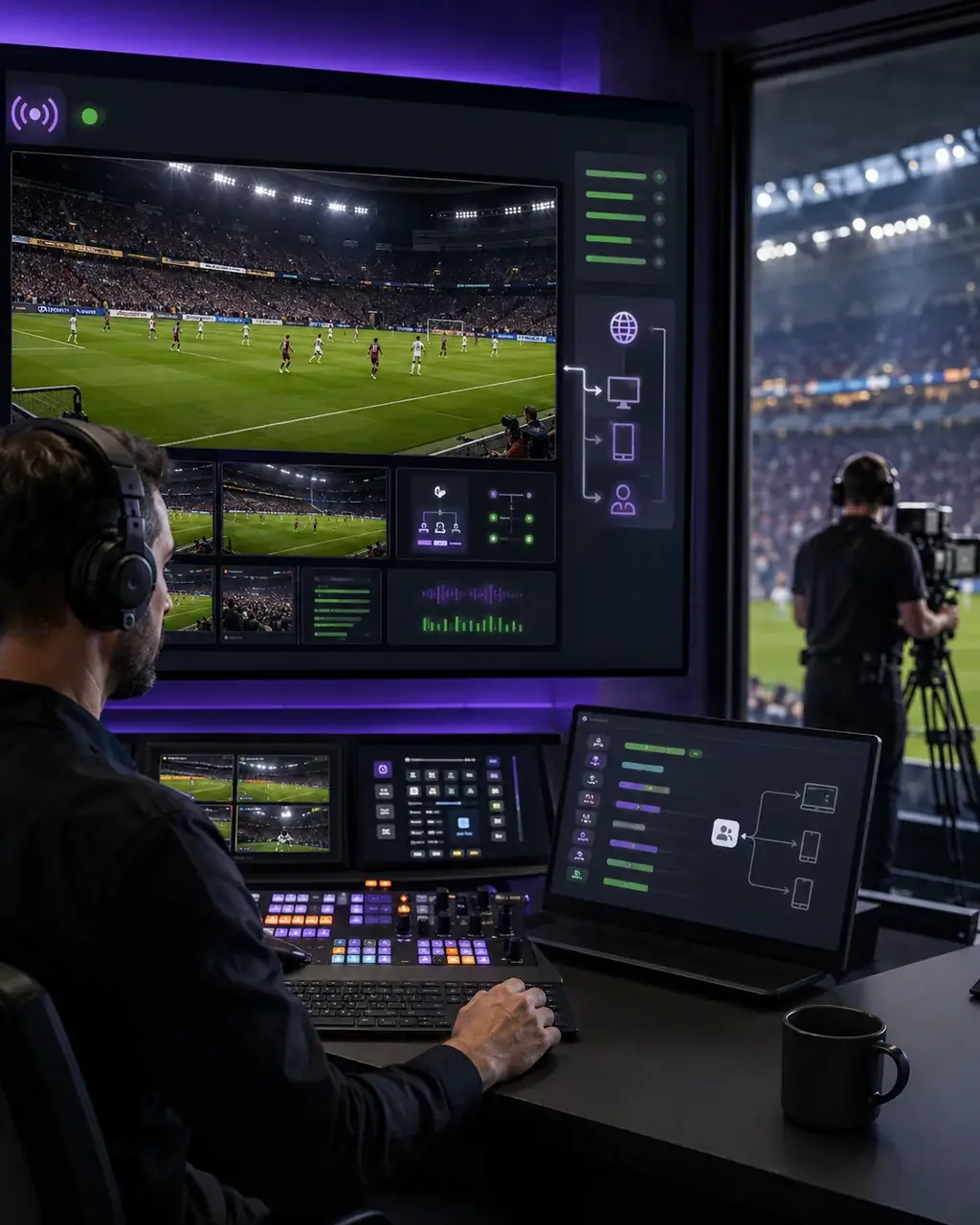 Runnable showcase
Interactive live broadcast
Move from an interactive WebRTC control room to audience-scale viewing while preserving production controls.
Open broadcast control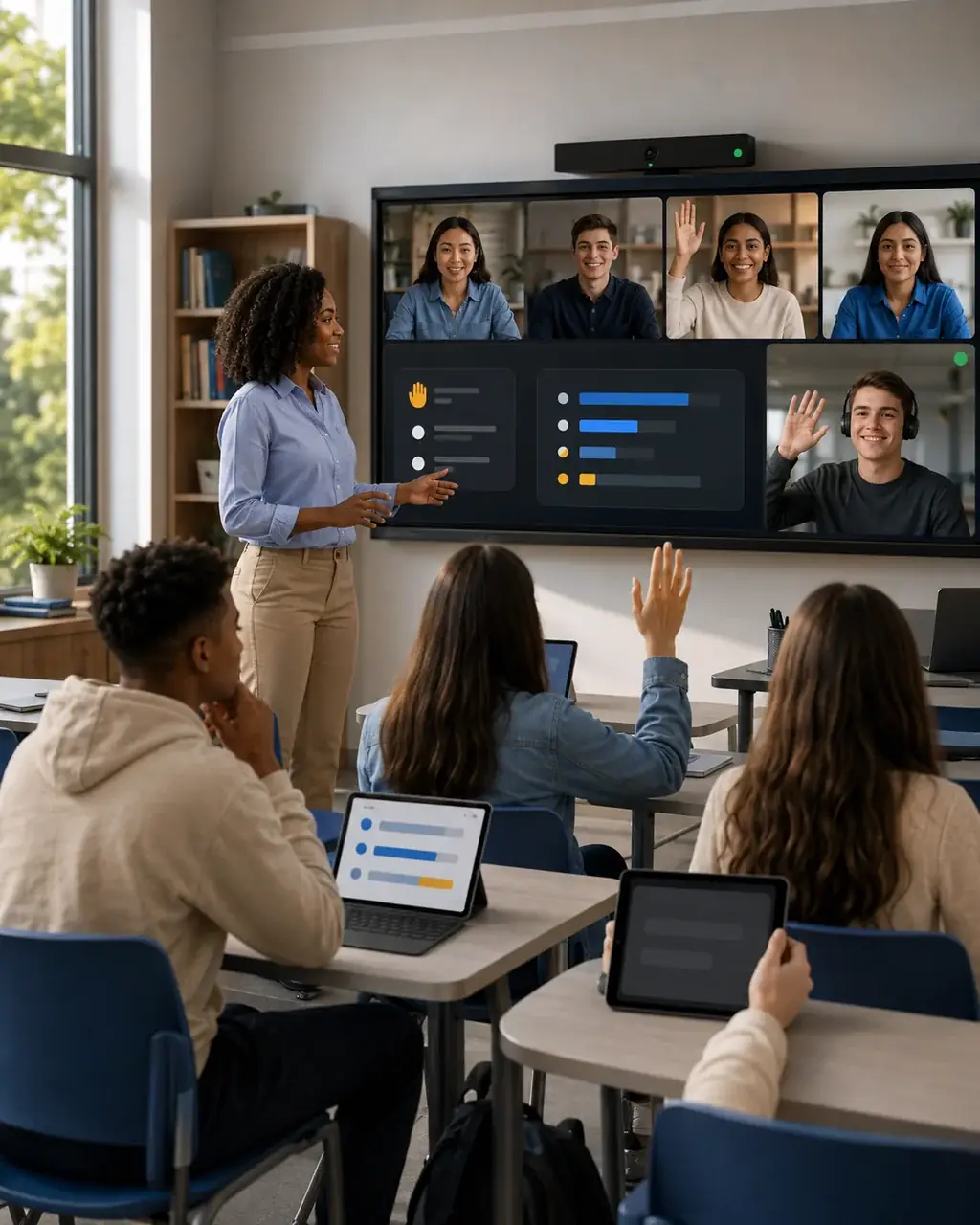 Runnable showcase
Interactive classroom
Explore a teaching surface shaped around participation, media, screen sharing, collaboration, and instructor control.
Open the classroom| Category | MediaSFU | Daily |
|---|---|---|
| Primary platform scope | Unified video, voice, SIP/PSTN, AI agents, and widgets | Video-focused communication API platform |
| Voice + telephony stack | Built-in cloud phone and SIP/PSTN workflow guidance | Typically paired with external telephony stack components |
| AI-agent workflow | Integrated voice-agent and multimodal paths | Usually composed with additional vendor services |
| Embeddable no-code surfaces | Widgets and guided embeds for calls and AI workflows | Developer-first API and UI composition model |
| Typical team profile | Teams seeking one vendor for communication + AI stack | Teams focused on custom video API implementation |
| Cost comparison posture | Cost-focused unified stack narrative | Video API pricing evaluated by participant-minute profile |
Assumptions behind the benchmark
| Variable | Benchmark baseline | Why it matters |
|---|---|---|
| Video quality profile | Comparable resolution and session duration assumptions | Resolution and participant-minute mix drive cost outcomes. |
| Stack breadth | Need for voice, telephony, and AI in addition to video | Multi-tool composition changes all-in spend and maintenance load. |
| Deployment model | Production web and app usage with recurring sessions | Pilot workloads often underrepresent long-run economics. |
| Operational complexity | Unified platform vs. multi-vendor architecture | Fewer moving parts can reduce integration and support overhead. |
Sources and validation links
Validate with current vendor docs and pricing before final selection.
Last updated: August 25, 2026